In the old days of WordPress you could find a plugin for everything. I fondly remember having one for Twitter and what I was playing on WinAmp, but that generally has changed a good bit. APIs have shutdown and I don’t listen to as much music as I used to.
With my recent WP to EmDash CMS migration I wanted to get a taste of what creating a plugin would be like and to relive my college years I figured a Bluesky feed plugin would check off a few boxes.
What it does
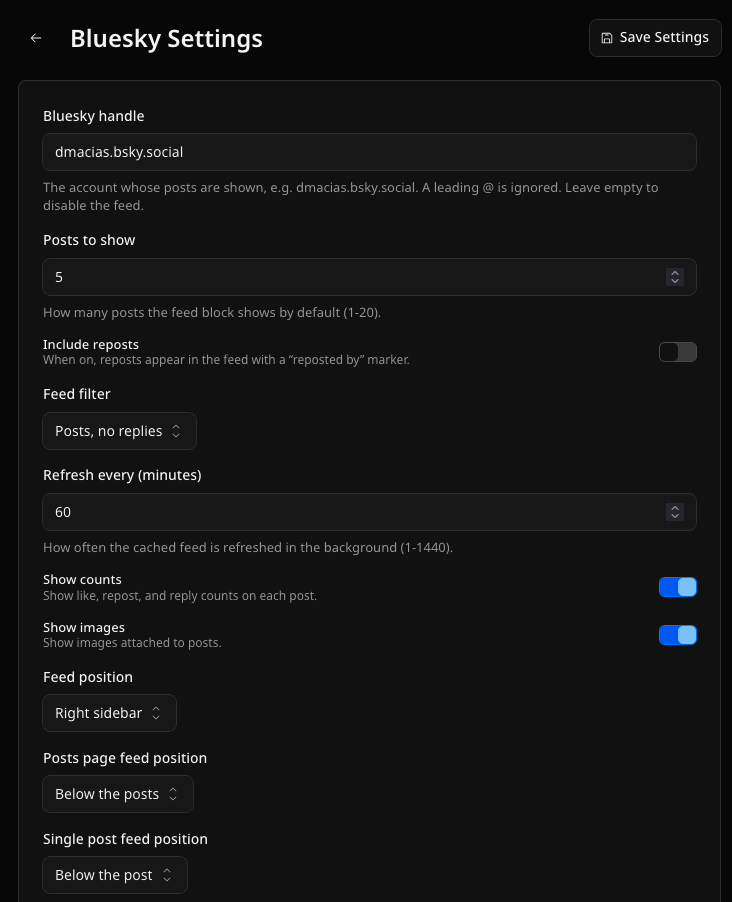
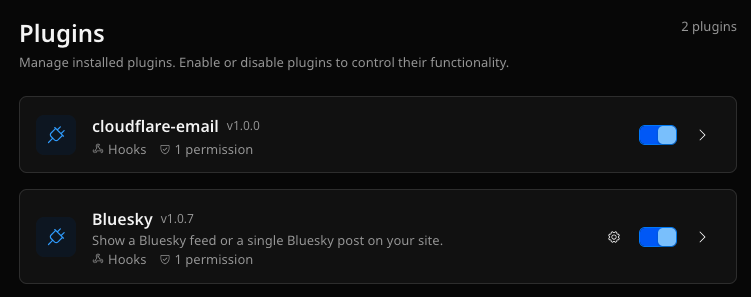
emdash-plugin-bluesky shows a Bluesky feed or a single Bluesky post on an EmDash site. It gives you:
- A feed block and a single-post block in the editor, plus an importable
<BlueskyFeed />component for templates. - The feed position is configurable per page: left sidebar, right sidebar, or below the content, set separately for the homepage, the posts list, and single posts.
- No API key. It reads the public Bluesky API, resolves your handle to a DID, and caches the feed in KV, refreshing on a schedule. The page always renders from the cache, so a Bluesky outage never breaks your site.
Install
It is on GitHub, MIT licensed:
https://github.com/david-macias/emdash-plugin-bluesky
Install it from npm:
npm install emdash-plugin-blueskyThen add it to your plugins array in astro.config.mjs and set your handle in the EmDash admin. The README has the full setup.
One note if you deploy on Cloudflare Workers Builds: pin the dependency to the GitHub tarball for the release you want, instead of the github: shorthand. The shorthand writes a git+ssh URL into the lockfile that Workers Builds cannot fetch. The README covers this.
~david



No comments yet